Customized Footer
Still using the demo project as an example, the file .i18n/htm/foot.pug in the md directory defines the website's footer.
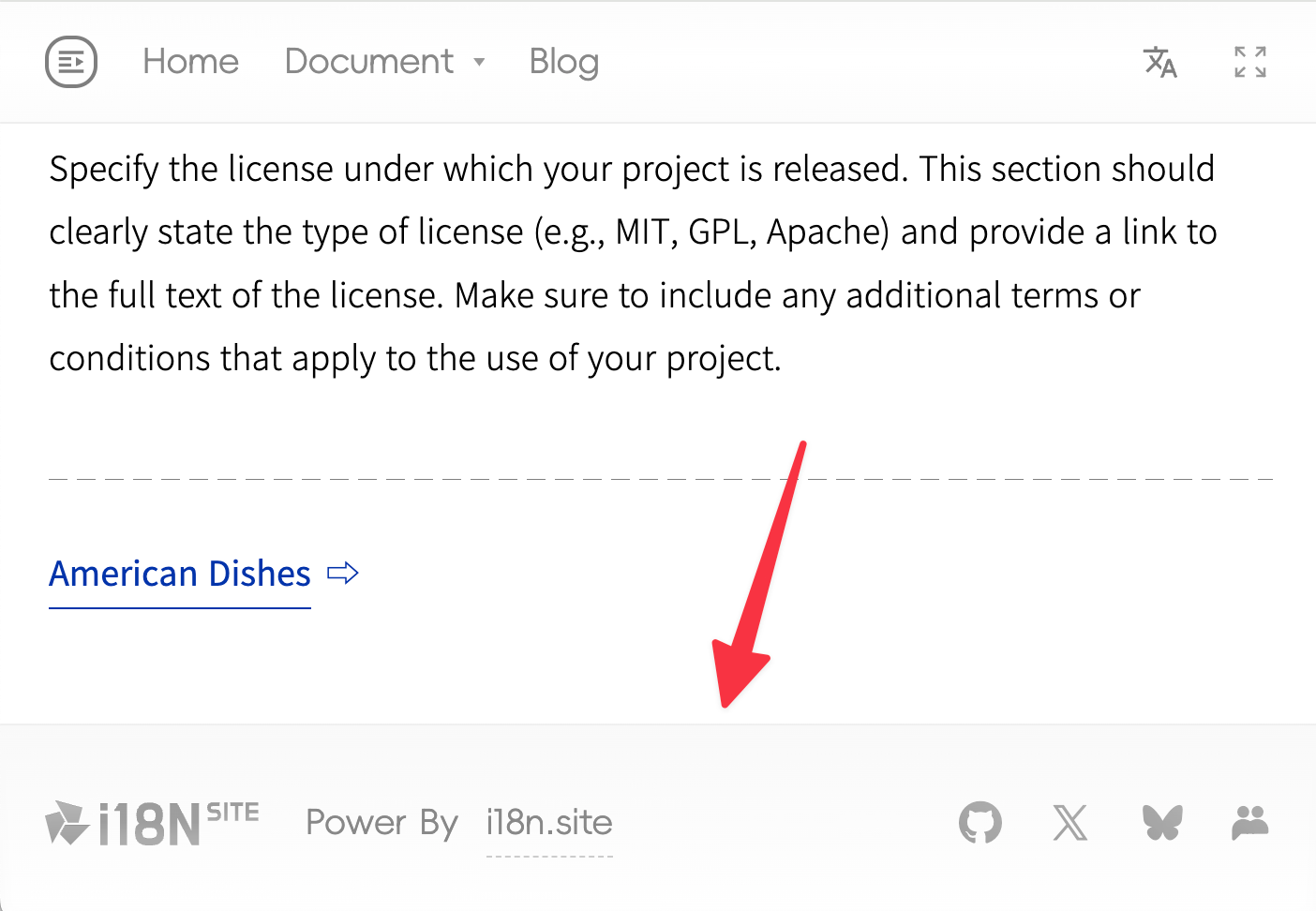
Footer Style
There are three css files under md/.i18n/htm in the demo project.
foot.css: Footer styleimport.css: Default style for the entire i18n.siteconf.css: Icons and fonts for the footer
Icon Font
The footer icons are generated by creating a font named F on iconfont.cn ( English version / Chinese version ).
Please create your own icon font and replace the icon font in the configuration in conf.css:
@font-face {
  font-family: "F";
  src: url(//p.3ti.site/ico1.woff2) format("woff2");
}

#Ft>b>a.site {
  background: url("//p.3ti.site/i18n.svg") 0 0 / cover;
  display: block;
  height: 24px;
  opacity: 0.8;
  width: 115px;
  flex-shrink: 0;
}
Do not directly reference the font files from iconfont.cn, as they cannot be loaded in the Safari browser.
Multilingual Footer
The code in .i18n/htm/foot.pug is as follows:
#Ft
  b
    a.site(href="/")
    b ${I18N.C}
Here, ${I18N.C} corresponds to the following in en/i18n.yml:
C: Power By <a class="a" href="https://i18n.site">i18n.site</a>
Using ${I18N.xxx} in this manner, in conjunction with i18n.yml, enables the multi-language internationalization of the footer.
Adding class="a" to the link is to prevent it from being converted into Markdown. See:
➔ YAML: How to prevent link HTML from being converted to Markdown.